
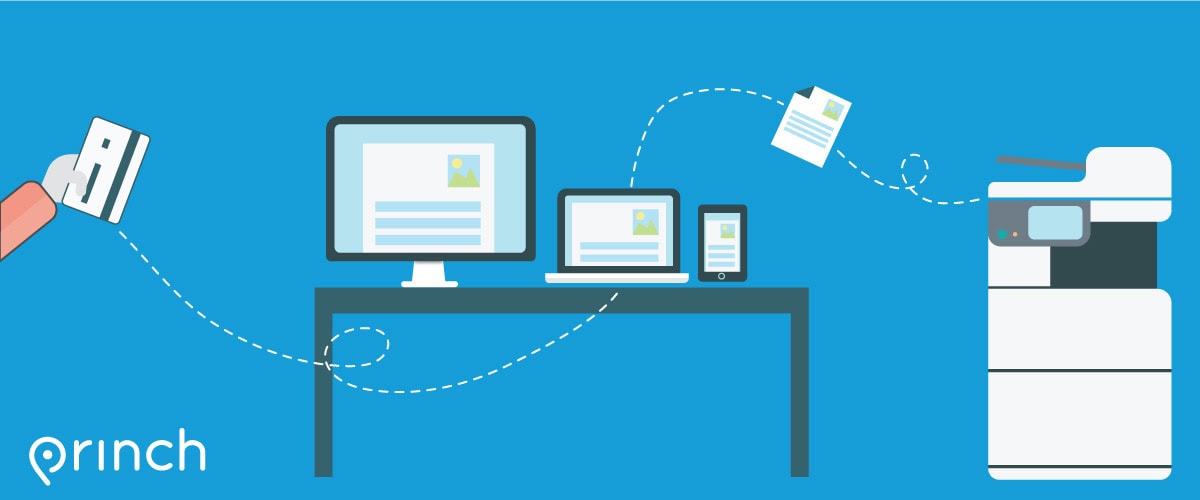
Use Princh to Print from your devices
We have implemented Princh, a new cloud-based printing solution. With our new solution it is now possible to easily and securely print from a mobile phone, tablet, or laptop, both remotely and at the library. Our Printer ID is 111858.
- Mobile Devices: Use the Princh app for Android or iOS, or visit print.princh.com (ID:111858) to access our printer
- Personal Computers: Visit the print.princh.com to access our Printer.
- You can scan the QR code if you are at the library to access princh and our printer ID in one step.
- Guide posters and bookmarks are at the library, or ask our staff for help.
- You can pay online (pick up in 24 hours) or choose “pay at the desk” (cash only at the desk).
Note: In order to print in color, please make sure to change the settings for each file.
Print from out Public Computers
You can also print directly from our public computers.
If you need to access your email or internet workspace, please remember to bring your login information (including password) with you.