
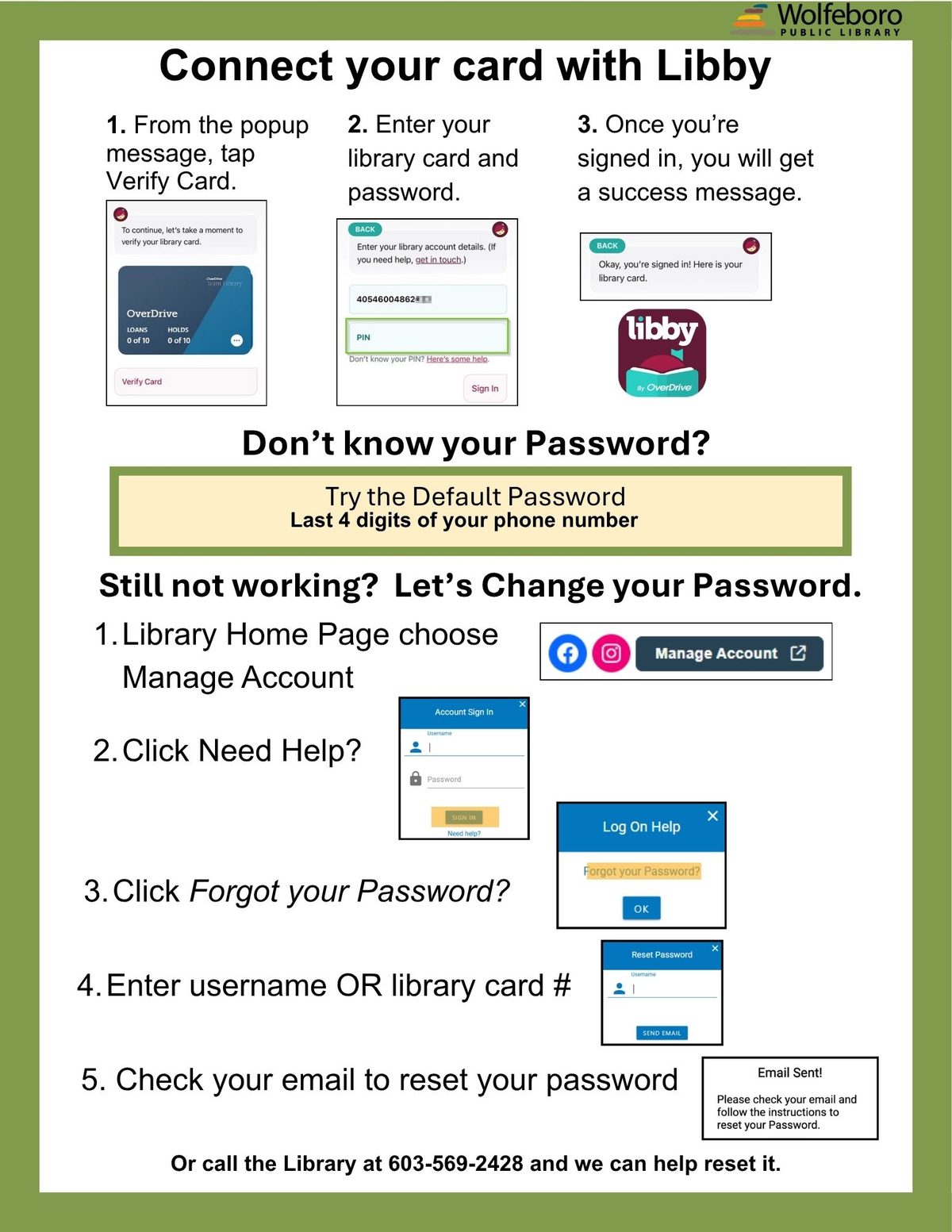
Libby/OverDrive Login Change Starting October 7th
Libby/OverDrive will be requiring all patrons to use a password in addition to their library card number. Your password is the same one you use to access your library catalog account on the website or using the Librista app.
If you are already using Libby/OverDrive, you will need to reenter your library card number as well as your password beginning October 7th.
Don’t know your password? Use the help document to the left.
You can always call the library when we are open and we can help.
Libby by Overdrive
Click the Libby icon to the left to get started at Overdrive website.
- Download Libby App
- Choose Yes, I have a library card.
- Find your library: Wolfeboro Public Library.
- Select “Sign in with My Card”.
- Scroll through list to find Wolfeboro Public Library.
- Enter your library card to sign in.
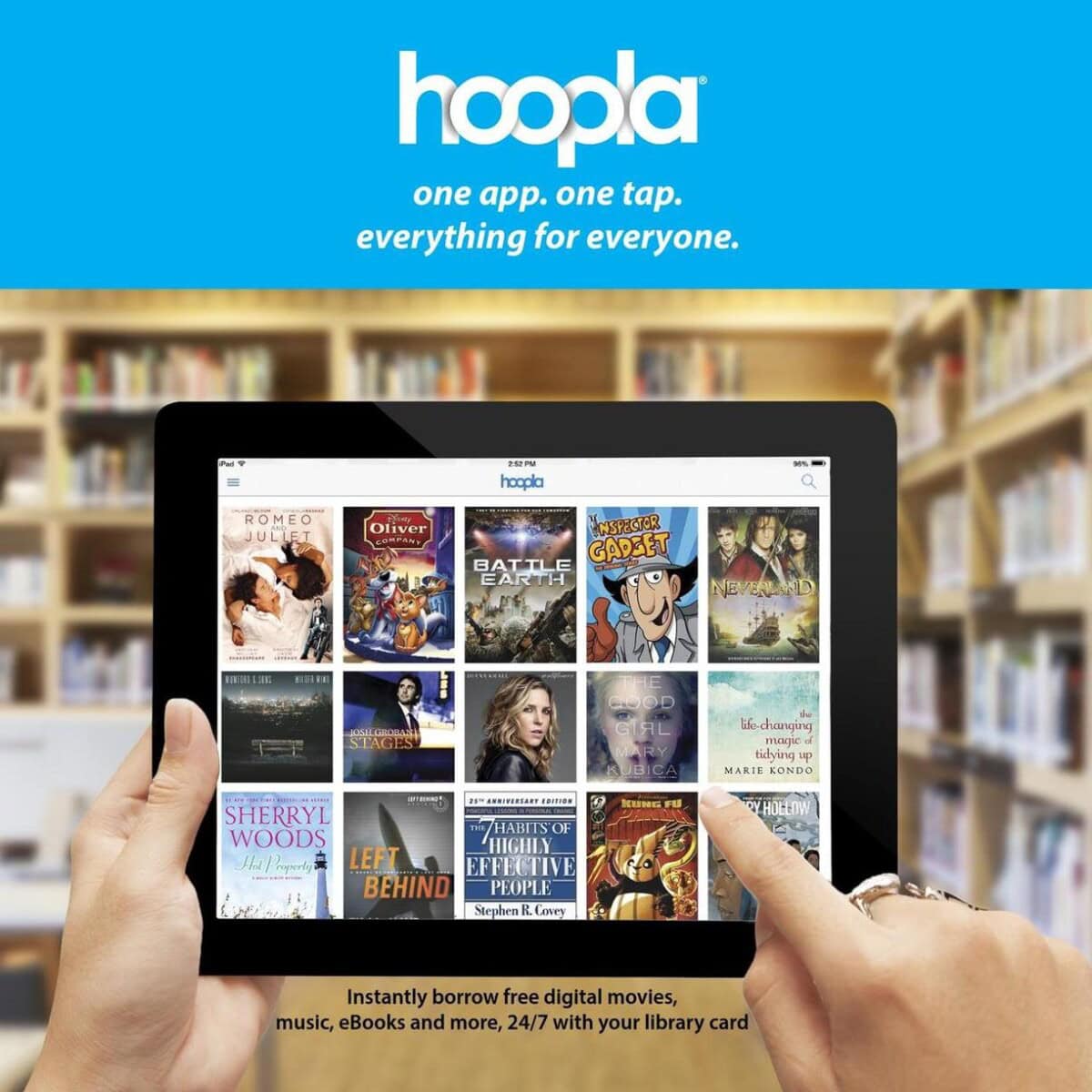
Hoopla
Movies/TV shows, music, eBooks, audiobooks & graphic novels
- Create Your Account
- Create your free account online or by using the Hoopla app.
- Find your library: Wolfeboro Public Library.
- Login with your card number.
- Features:
- 6 borrows a month.
- Most items have no waiting times.
- Lending times vary by format.
- Movies/TV: 3 days
- Music: 7 days
- Ebooks and audiobooks: 21 days.
- Options:
- Kids option: on/off
- Settings: link to a streaming device.
Free eBooks and Audiobooks
Digital Public Library of America – Sponsored by the Alfred P. Sloan Foundation, the Digital Public Library of America brings together the riches of America’s libraries, archives, and museums, and makes them freely available to the world.
Open Library – Many eBook formats available.
Project Gutenberg – Many eBook formats available. Mobile users: look for mobile site link.
Internet Archive – Many eBook formats available.
Librivox – Public domain downloadable audiobooks, read by volunteers from around the world. There are third-party apps available for Android and iOS which connect to the Librivox catalog.